 DreamPick AI
AI photo editor: describe the change, get the photo
Upload a photo and say what should be different. DreamPick AI changes the outfit, the background or the whole style, and leaves the rest of the picture as it was. No layers, no masks, no editing skills.
Edit a photo for freeFree credits on sign-up, and a daily reward on top. No card needed to start.
What you can edit
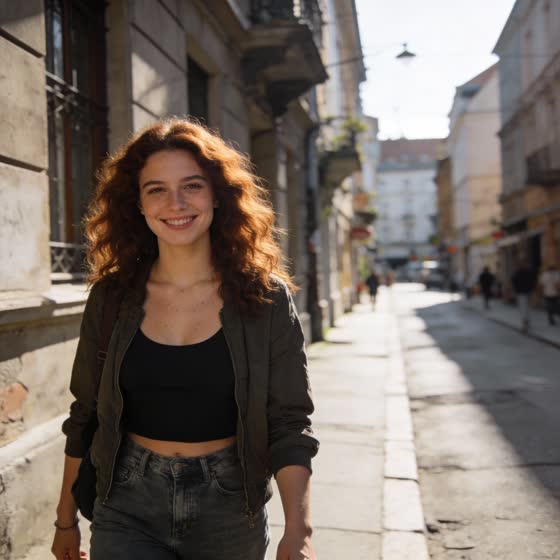
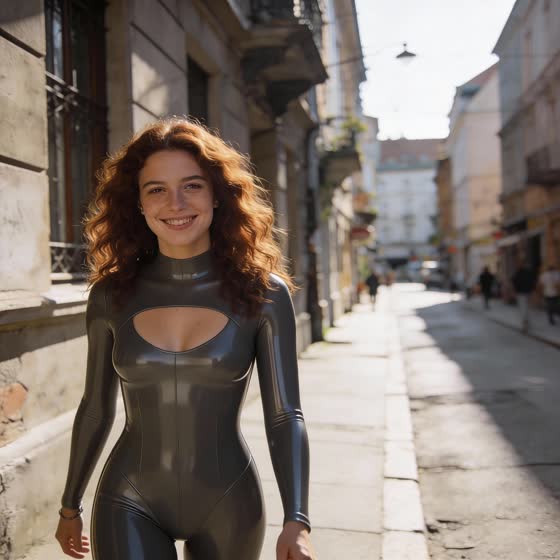
Change clothes
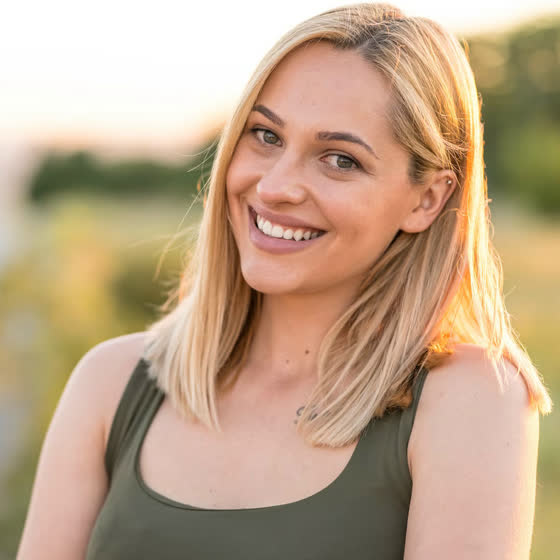
Put the person in a different outfit: a dress, a suit, sportswear, a costume. Describe it, or add a photo of the garment as a second reference.
Replace the background
Move the subject to a beach, a studio or another planet. The people and their pose stay, the lighting is matched to the new scene.
Restyle the picture
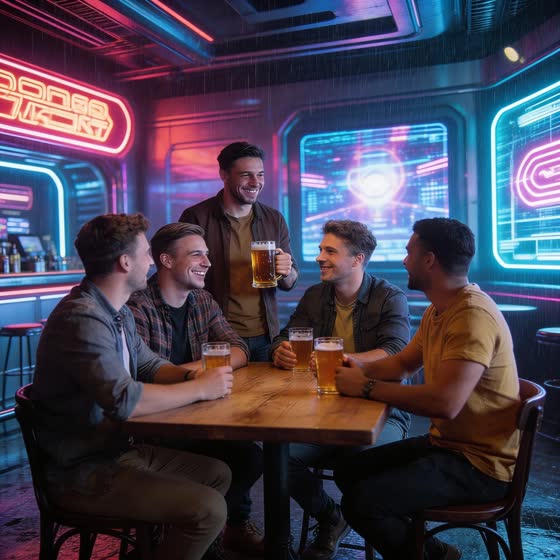
Turn a photo into an illustration, a toy, a painting or a film still, or go the other way and make a drawing look real.
Add, remove or replace things
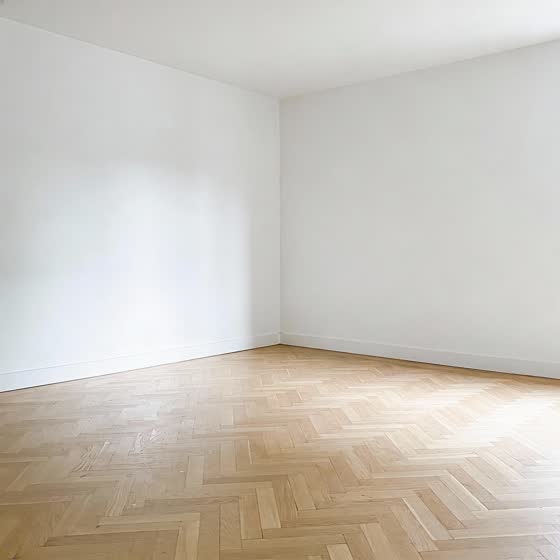
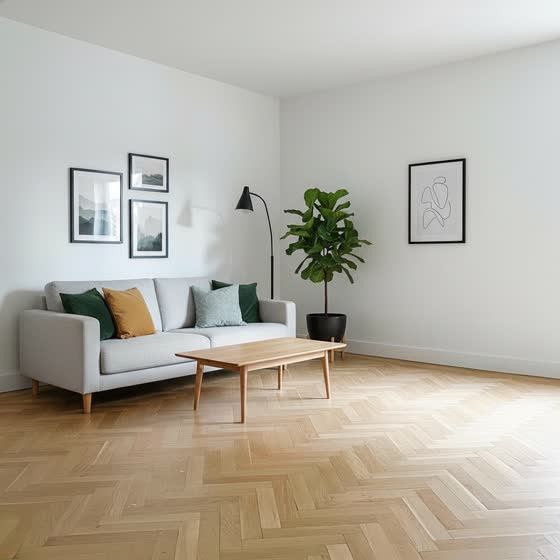
Take an object out, put furniture into an empty room, change a colour or a hairstyle. One sentence is enough.
Restore old photos
The Face Enhancer brings back faces in old, blurry pictures, and the Image Upscaler raises the resolution without losing detail.
One-click templates
Ready-made edits for popular looks: pick a category, add your photo, and skip the prompt.
How it works
Upload the photo
Add the picture you want to change. Add more images if the edit needs them, for example the outfit or the place you have in mind.
Describe the change
Write what should be different and what should stay. Then pick a model; the price in credits is shown before you start.
Compare and download
The edited photo appears next to your earlier results. Not quite right? Adjust the prompt and run it again.
Which model for which edit
| Model | Use it for | Credits per image |
|---|---|---|
| Nano Banana 2.1 | Precise edits that change one thing and keep the rest untouched | 30 |
| GPT Image 2 | Complex instructions, several changes at once, text inside the image | 60 |
| Dream 2.0 Pro | Realistic people and outfits with the most detail | 30 |
| Dream 2.0 Lite | Everyday edits, up to 8 variations per run | 20 |
| Dream 2.0 Flash | Fast, cheap drafts before the final version | 15 |
| Dream 1.6 Story | The same character across a series of pictures | 25 |
| Face Enhancer | Restoring faces in old, low-resolution photos | 5 |
| Image Upscaler | Raising the resolution of the finished picture | 5 |
If you know the Seedream 5.0 edit models, the Dream 2.0 line will feel familiar: it is our answer to that generation, with the same level of realism and prompt accuracy.
Fewer filters, clear rules
Most photo editors refuse to touch swimwear, lingerie or anything else that looks spicy. DreamPick AI is built for adults and filters far less.
Some limits always apply: you must be 18 or older, content involving minors is banned, and photos of real people may only be uploaded or edited with their consent. The full rules are in the Terms of Service.
Frequently asked questions
Is the AI photo editor free?
You get free credits when you sign up and can claim a daily reward, which is enough to try the editing models. When you need more, you buy a credit package; you pay per image, and the price is shown before each edit.
How do I change the clothes in a photo?
Upload the photo and describe the new outfit, for example: same person and pose, wearing a red evening dress. For a specific garment, add a picture of it as a second reference image.
How do I change the background of a photo?
Upload the photo and describe the new place, and say that the people should stay as they are. The model replaces the surroundings and matches the light to them.
Will the person still look the same after the edit?
The models are built to keep the face, body and pose from your photo. For the most faithful result, use Nano Banana 2.1 and say in the prompt what must not change.
Can I edit photos of other people?
Only with their consent. Uploading or editing pictures of real people without their permission is against the Terms of Service.
Do the edited photos have a watermark?
By default a small watermark is added. After your first credit purchase you can turn it off for a few extra credits per image.
Edit your first photo now
Sign up, collect your free credits and describe the change.
Edit a photo for free